Get started

Weekly Goals · Ascend

Weekly goals that fill in from what you actually do

Weekly Goals in Ascend is a free weekly goals planner: set a few goals each Monday, link them to your habits, workouts, reading or skills so their progress fills in on its own, and look back at the weekend. Reached goals earn 5 points each and an honest reflection earns 5 more.

A week is long enough to get something real done and short enough to stay in view. That is why Ascend asks for a few goals per week, not a yearly list.
Free · In beta · Phone and PC · No download needed

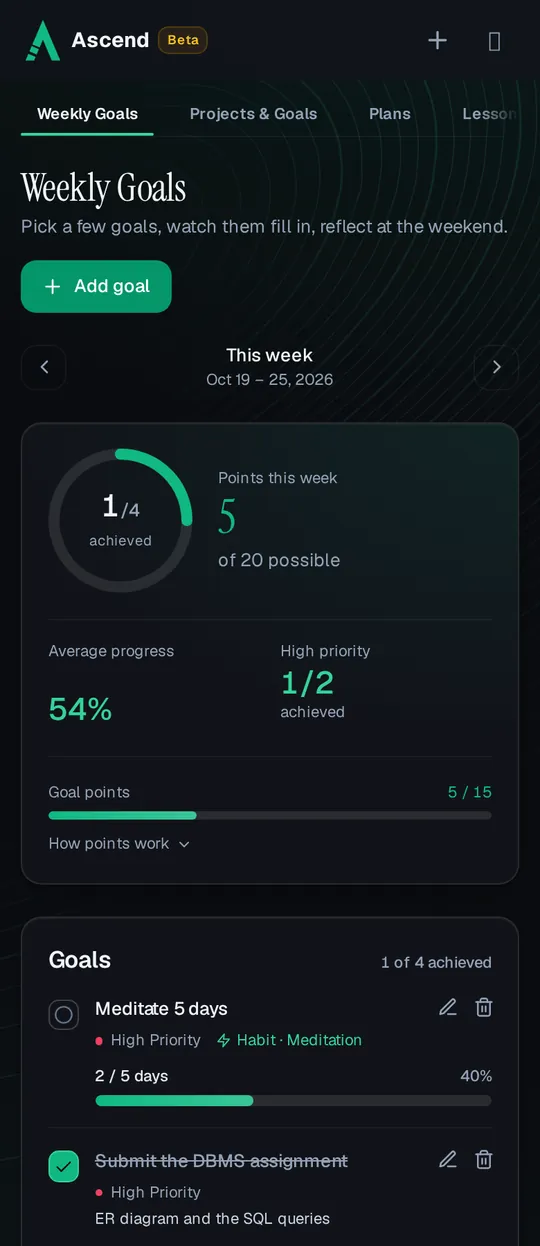
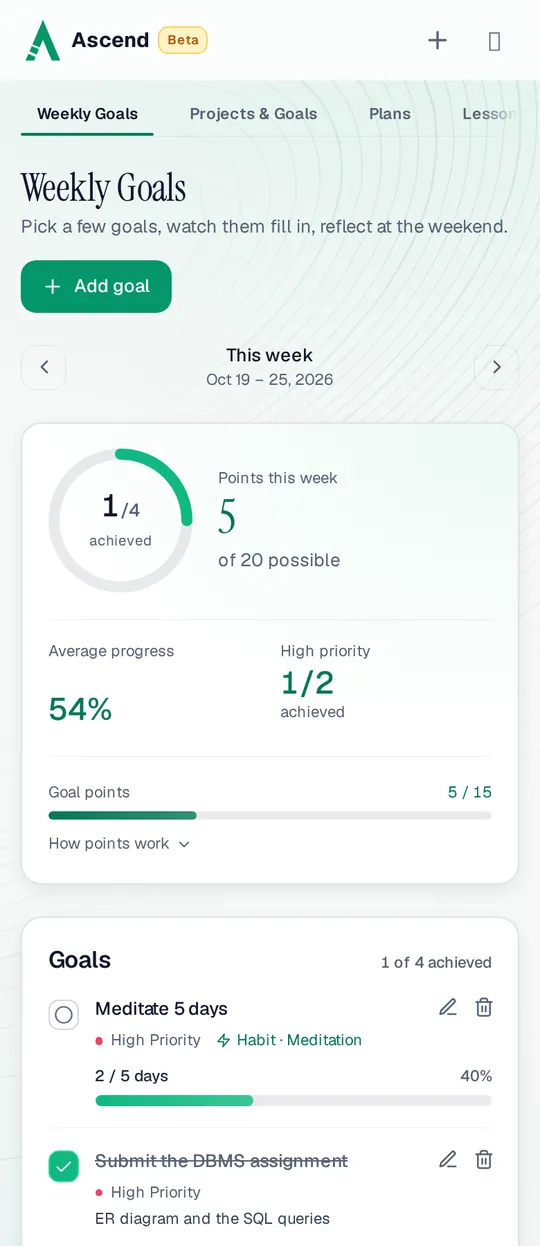
Weekly Goals on a phone: 1 of 4 goals achieved this week, 5 of 20 possible points and 54% average progressWeekly Goals on a phone: 1 of 4 goals achieved this week, 5 of 20 possible points and 54% average progress

Planning a week in Ascend

  1. Add a goal

    Give it a title, an optional note and a priority: high, medium or low. Priorities show on the goal and in the high-priority score at the top.

  2. Link it, or track it by hand

    Link a goal to something you already log and set a target, like “Meditate 5 days” or “Run 15 km”. Or leave it unlinked and update its progress yourself.

  3. Let the week fill it in

    Linked goals move every time you tick the habit or log the workout, pages or practice, and tick themselves when the target is reached.

  4. Reflect, then carry over

    From Friday morning, write what went well and what got in the way. Next week, unfinished goals from recent weeks are offered to carry over or let go.

A linked goal counts what you already log in another part of Ascend, from Monday to Sunday:

  • Habit

    Days you ticked one of your habits this week (or the week, for a weekly habit).

  • Exercise

    Workouts logged, minutes, reps, sets or kilometres, for all workouts or one type. See the workout tracker.

  • Reading

    Pages or chapters read, across your books or in one book from the Reading Hub.

  • Skill

    Practice minutes or sessions, for all skills or one, from Skills.

Anything else works too. “Submit the assignment” or “Call home twice” don’t live anywhere else in the app, so they stay unlinked: you set a count and update it, or tick the goal when it is done.

How weekly goals earn points

Up to 20 points a week: 15 from goals and 5 from the reflection.

Points this week
What happensPoints
Each goal reachedThe first 3 you reach, in the order you reach them, count (up to 15).+5
Goals reached after the first 3Still worth doing, still counted in your progress.0
Weekly reflectionThe first reflection written in the week’s window, Friday 6:00 AM to the end of Monday, your local time.+5
Unticking or deleting a goal reached on an earlier daySo is a reflection rewarded on an earlier day.Kept
A few goals, not many. With points on 3 goals, splitting one goal into ten small ones earns nothing extra. You get the most out of the week by choosing a few that matter. Only the current week earns points; past weeks are kept to look back on and can’t be edited.

Looking back each week

The top of the page shows the week at a glance: goals achieved, points out of 20, average progress and how many high-priority goals you reached. Step back to earlier weeks to see them, and a trend chart shows your average progress over the last weeks.

The reflection opens on Friday morning and stays open until Monday ends, so a weekend reset is part of the routine. If you want a few lines every day as well, that is what the journal is for. For goals bigger than a week, use Projects & Goals.

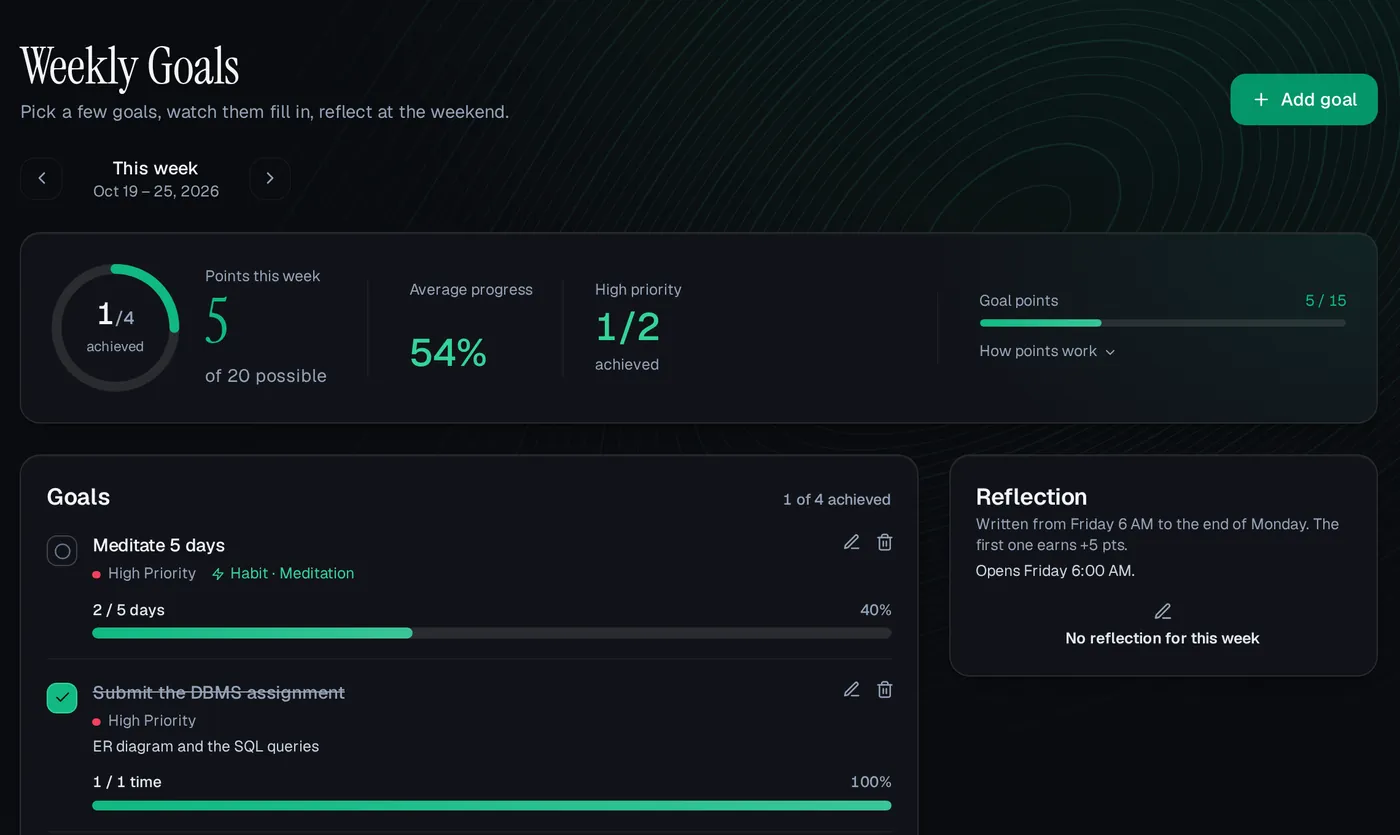
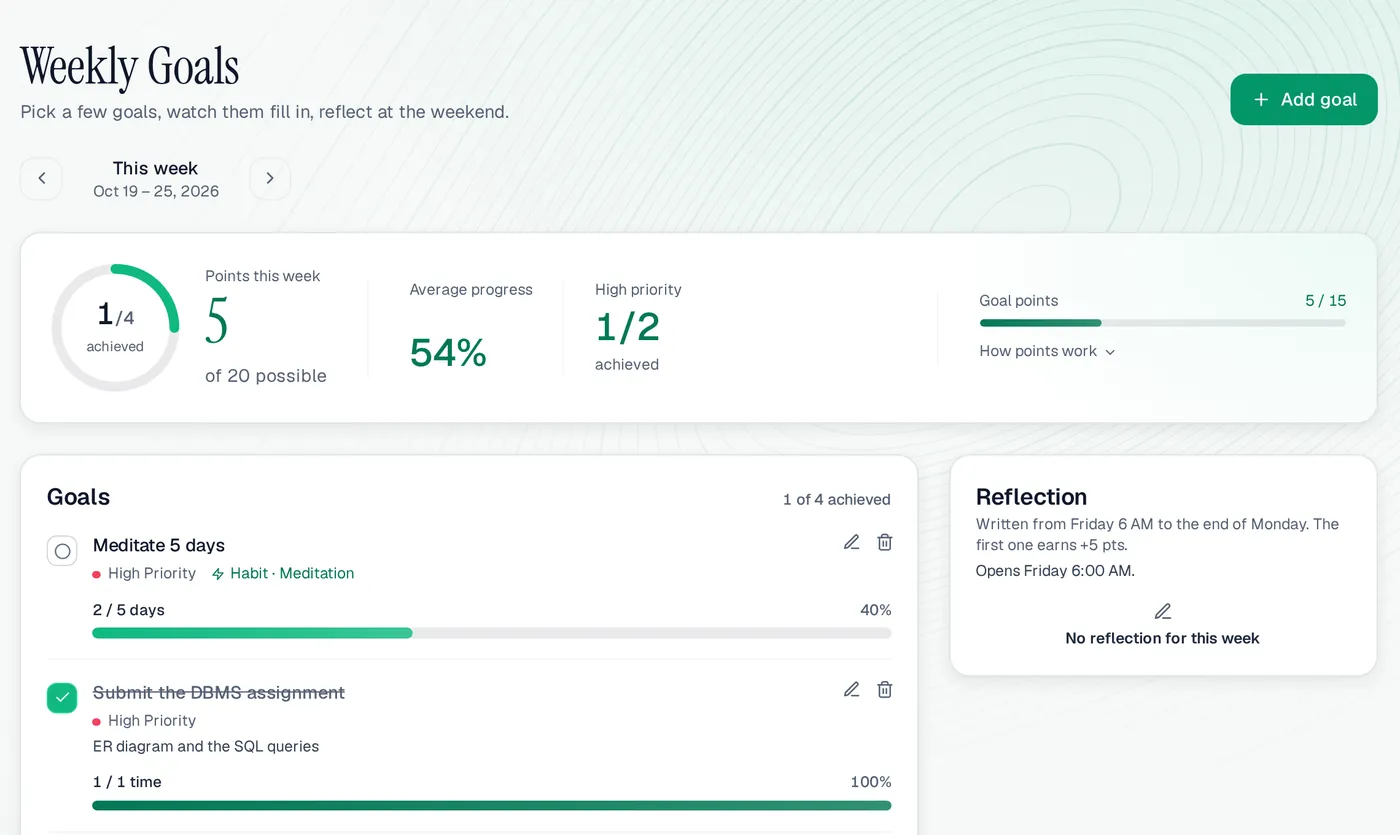
Weekly Goals on a computer: a meditation goal linked to a habit at 2 of 5 days, a finished high-priority assignment, 5 of 15 goal points, and the reflection that opens on FridayWeekly Goals on a computer: a meditation goal linked to a habit at 2 of 5 days, a finished high-priority assignment, 5 of 15 goal points, and the reflection that opens on Friday
Weekly Goals on a computer, with the demo user Ali’s week.

Weekly Goals at a glance

Week
Monday to Sunday
Goal points
5 points each, first 3 count
Reflection
+5, Friday 6:00 AM to the end of Monday, your local time
Most per week
20 points
Links to
Habits, exercise, reading and skills
Priorities
High, medium, low
Price
Free while in beta
Works on
Any browser, phone or computer

A good fit if

  • You plan in weeks and want a short, focused list.
  • You want goals that update themselves from what you log.
  • A weekend reflection is a habit you want to build.

Maybe not if

  • You want long project plans with tasks and deadlines (use Projects & Goals for that).
  • You want points for every small goal; only the first few each week earn.

Weekly Goals: questions people ask

How many weekly goals should I set?

A few that matter. Points go to the first 3 goals you reach each week, so extra goals add progress, not points.

Can a goal update itself?

Yes. Link it to a habit, workouts, reading or a skill and set a target. Every log in that part of the app moves the goal, and it ticks itself when the target is reached.

When can I write the weekly reflection?

From Friday 6:00 AM to the end of Monday, your local time. The first reflection in that window earns 5 points.

What happens to goals I didn’t finish?

On the current week, Ascend lists unfinished goals from recent weeks. Carry each one into this week or let it go.

Does a week start on Monday?

Yes. Weeks run from Monday to Sunday in your own timezone.

Set this week’s goals

Link one to a habit, and watch it fill in before Friday.