Get started

Focus, Neuro & Lessons · Ascend

Train focus and learn how your brain changes

Ascend’s brain pages are three free tools in one corner of the app: a deep-focus timer that earns points, with a decision journal and emotion labeling next to it; a plain-language guide to neuroplasticity; and 14 short lessons on discipline, habits, goals, mindset and the brain.

They are for people who want to understand why habits feel hard at first and to practise the everyday skills behind them: staying on one task, thinking a choice through, and noticing a feeling before it takes over.
Free · In beta · Phone and PC · No download needed

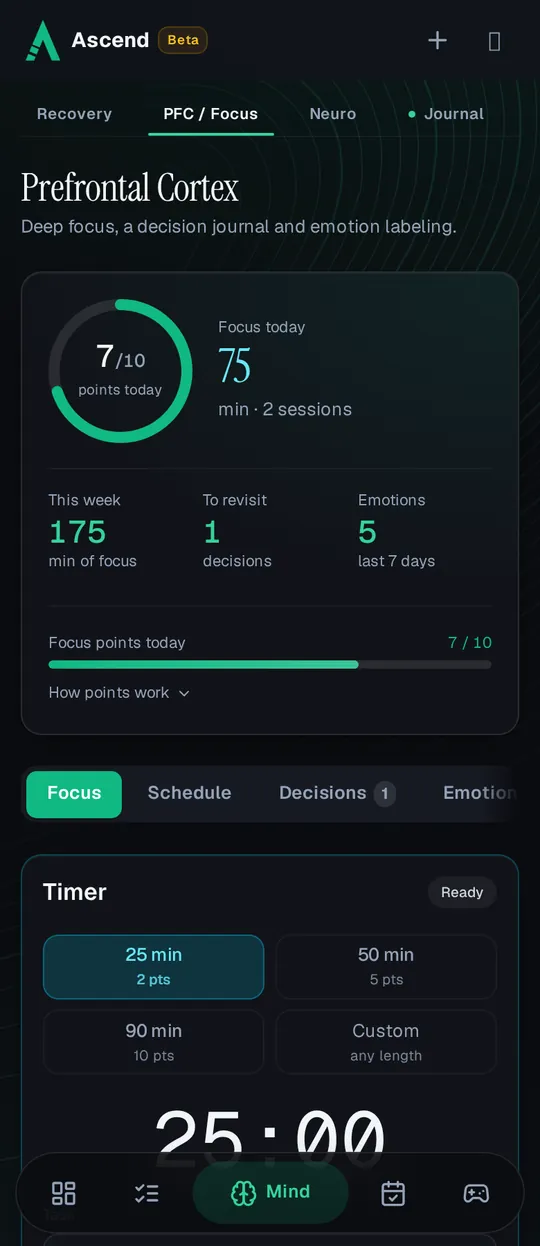
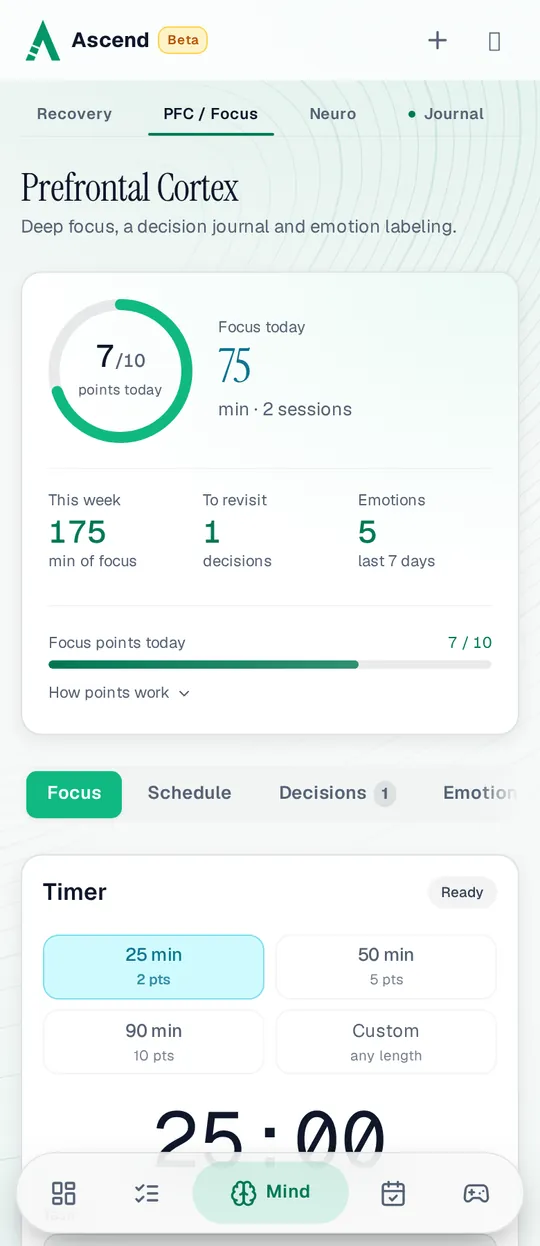
The Prefrontal Cortex page on a phone: 7 of 10 focus points today from 75 minutes in 2 sessions, 175 focus minutes this week, 1 decision to revisit, 5 emotions labeled in the last 7 days, and the timer’s 25, 50 and 90-minute presetsThe Prefrontal Cortex page on a phone: 7 of 10 focus points today from 75 minutes in 2 sessions, 175 focus minutes this week, 1 decision to revisit, 5 emotions labeled in the last 7 days, and the timer’s 25, 50 and 90-minute presets

Why a page is named after the prefrontal cortex

The prefrontal cortex is the front part of the brain, just behind the forehead. Cleveland Clinic’s overview of the prefrontal cortex lists attention, decision-making, emotions, goal setting, self-control and working memory among the skills it helps with.

Ascend’s Prefrontal Cortex page is built around three of those everyday skills: a timer for staying on one task, a journal for thinking choices through, and a quick way to name what you feel. They are practice tools for daily life. They do not measure your brain, and nothing in Ascend promises a change inside it.

Running a deep-focus session

  1. Pick a length

    Choose 25 minutes with a 5-minute break, 50 minutes with a 10-minute break and 90 minutes with a 15-minute break, or set a custom length. The app suggests 25 minutes if you are starting out and 90 or more for complex work.

  2. Name the task

    Write what you are working on and, if you like, tag one of your skills. The timer keeps running when you switch pages, and you can pause it.

  3. Work until the timer ends

    A session counts when its time runs out. Discarding it saves nothing. Allow notifications and Ascend tells you when the session and the break are over.

  4. Note how it went

    When the session ends you can add a short optional note: what you got done and what got in the way. Your sessions and a 7-day focus chart sit under the timer.

Following today’s schedule

The Schedule tab turns the timer into a guide for your whole day. It reads today’s blocks from the time blocking planner and counts down each one as it happens, so you never start a timer by hand.

  1. Start the day

    The tab shows how many blocks today has and how long they run in total. Press Start today’s schedule once, and it keeps following for the rest of that day on that device.

  2. Work the block you are in

    A large countdown shows the time left in the current block, with a bar for how far through it you are. When the block’s category is linked to an Ascend page, such as Reading or Exercise, one tap opens that page.

  3. Take a short break

    In a linked block, once half of it is done and enough time is left, you can pause for 5, 10 or 15 minutes, or any length up to 15. You can end the break early.

  4. Finish or skip

    Mark the block completed or skip it. A block that runs out of time without either stops at 00:00 as overdue and waits for your answer.

  5. Between blocks

    A countdown shows when the next block begins. Ready early? Start it now and keep its length, or start now and keep its planned end. An early start can be undone.

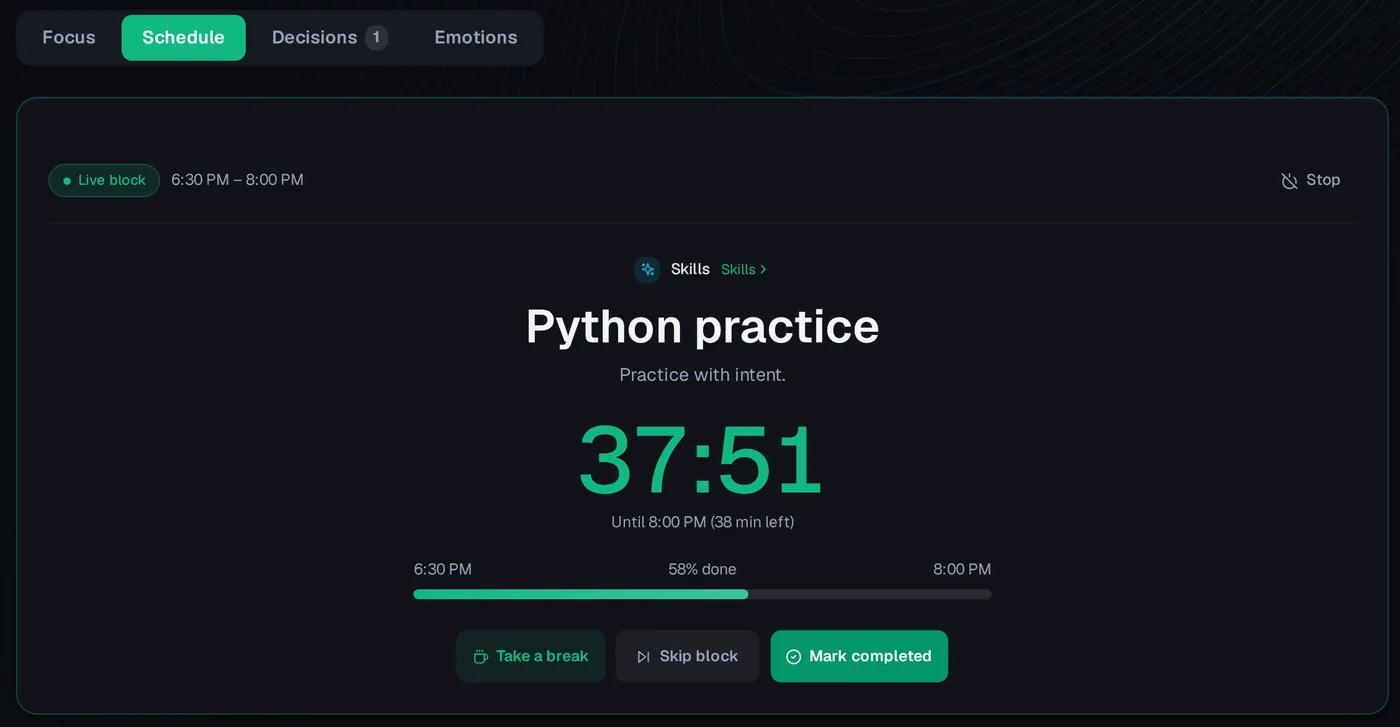
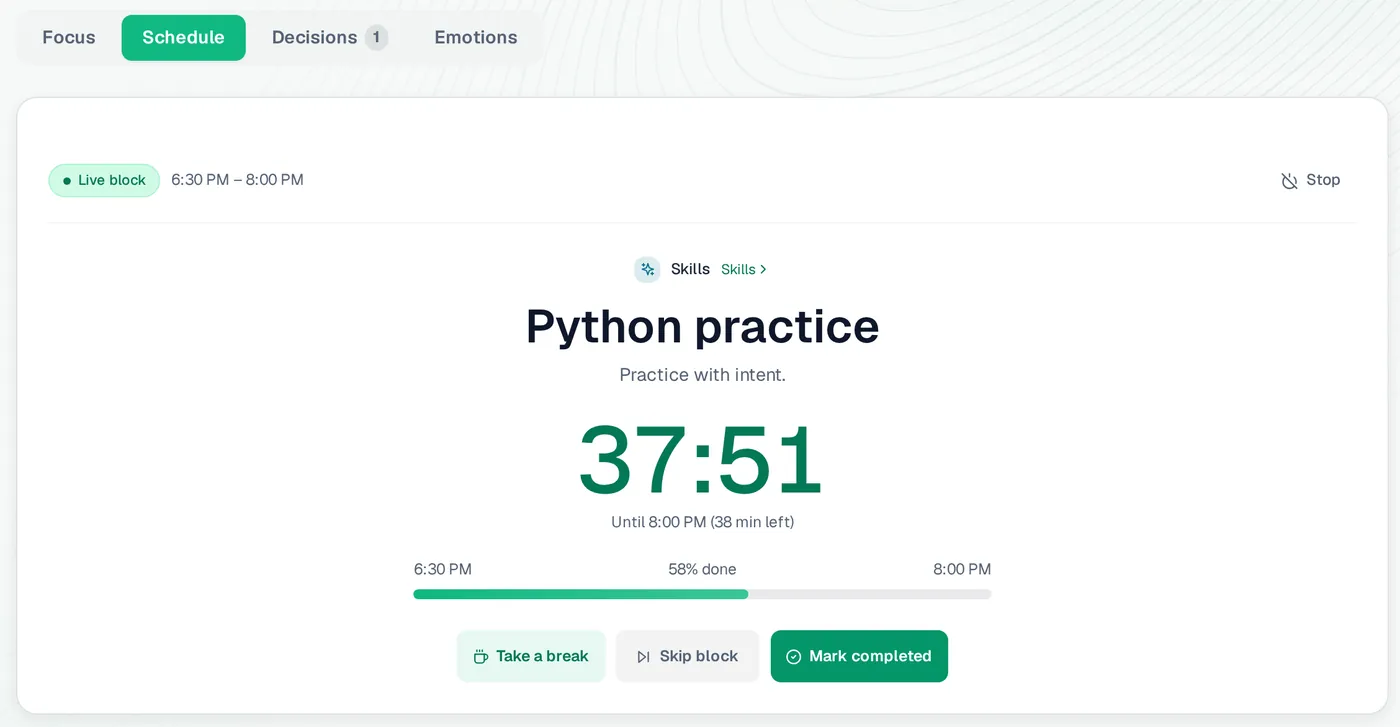
The Prefrontal Cortex page on the Schedule tab: the live block Python practice, 6:30 PM to 8:00 PM, with 37:51 left, 58% done, and Take a break, Skip block and Mark completed buttonsThe Prefrontal Cortex page on the Schedule tab: the live block Python practice, 6:30 PM to 8:00 PM, with 37:51 left, 58% done, and Take a break, Skip block and Mark completed buttons
The Schedule tab during a planned block: the countdown, how far through it you are, and what you can do next.
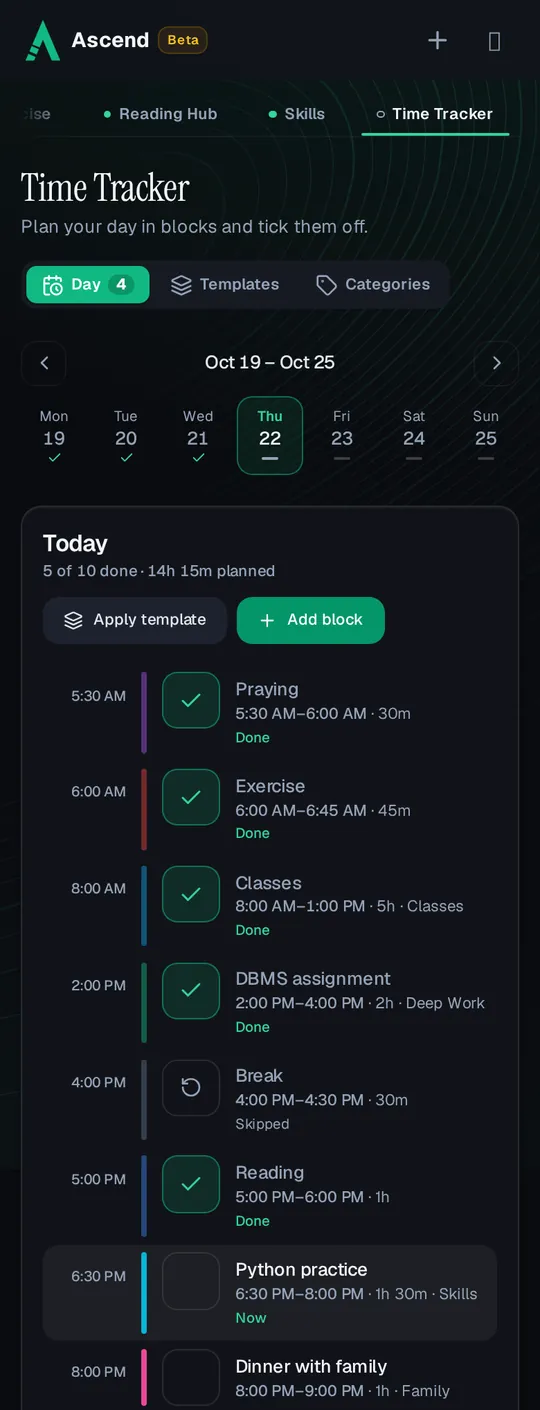
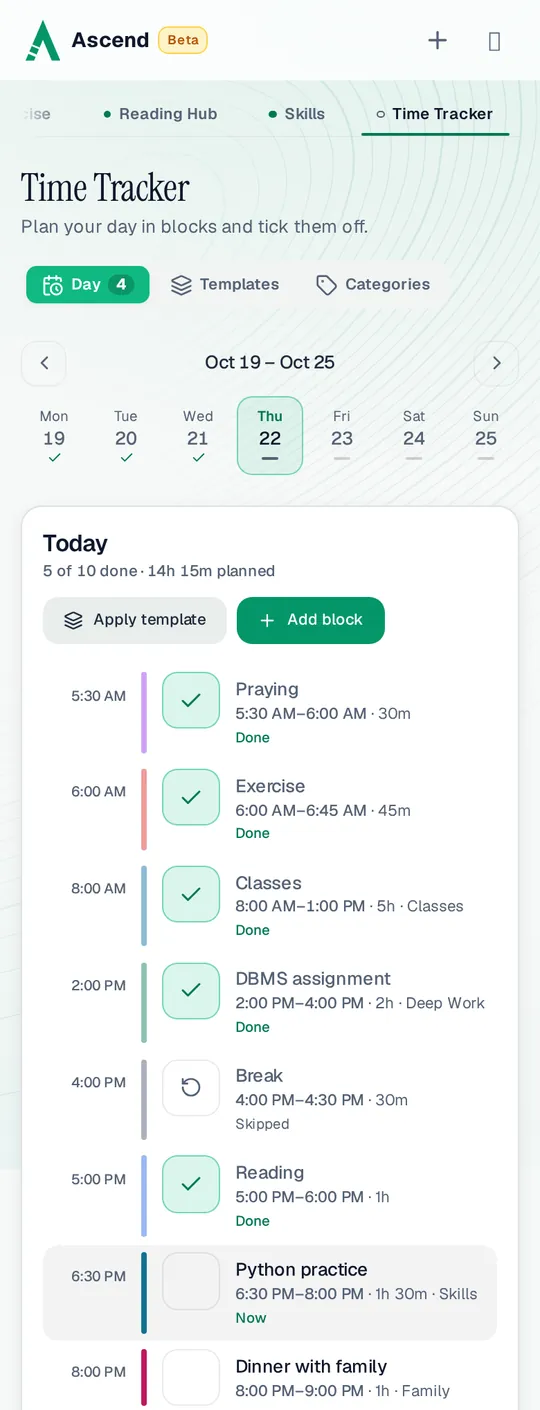
Time Tracker on a phone, the same day: Praying, Exercise, Classes, DBMS assignment and Reading done, Break skipped, Python practice 6:30 PM to 8:00 PM marked Now, and Dinner with family nextTime Tracker on a phone, the same day: Praying, Exercise, Classes, DBMS assignment and Reading done, Break skipped, Python practice 6:30 PM to 8:00 PM marked Now, and Dinner with family next
The day it follows, from Time Tracker.
One plan, two views. Completing a block here is the same as ticking it off in the Time Tracker, so it counts toward that page’s daily points. Stopping the schedule takes you back to the Focus tab and leaves your blocks as they are.

How points work on these pages

Focus sessions and lessons earn points that count toward your season score. The decision journal, emotion labeling and the neuroplasticity guide earn none: they are there to use, not to farm.

What earns points
What happensPoints
A focus session of 25 minutes or more2 points
A focus session of 50 minutes or more5 points
A focus session of 90 minutes or more10 points
All focus sessions in one dayOnly today’s sessions earn. Deleting one recounts today; earlier days keep their points.up to 10 a day
Reading one of the 8 lessons worth 1 pointOnce per lesson per season.1 point
Reading one of the 6 lessons worth 2 pointsOnce per lesson per season.2 points
Breaks, decisions and emotionsno points
The numbers in one line. 25 minutes earns 2 points, 90 minutes earns 10 points, and reading every lesson is worth 20 points each season.

A decision journal and emotion labeling

  • Decision journal

    Write down a choice, why you made it, what you expect to happen and a day to look back. On that day it appears under To revisit, and you write what actually happened and what you learned.

  • Emotion labeling

    Tap a feeling such as Anxiety, Frustration, Joy and Overwhelm, or name your own, rate it from 1 to 10 and add what was going on. A 30-day summary shows the feelings that came up most and their average strength.

Kept to yourself. Decisions and emotion entries are not part of the stats partners or other members can see. One of the lessons explains the idea behind labeling a feeling.

A plain guide to neuroplasticity

Neuroplasticity is the brain’s ability to change. Cleveland Clinic describes it as the brain building new pathways and strengthening old ones when you learn, practise or repeat activities. Habit tracking leans on the same idea, and Ascend’s Neuro page explains it in everyday words.

The guide covers how repeated actions get easier and unused ones fade, what the idea can and cannot help with, practical steps such as starting small and repeating daily, what the first weeks of a new habit tend to feel like, and a few common myths. It closes with links to the parts of Ascend that put it to work and to the related lessons.

14 short lessons

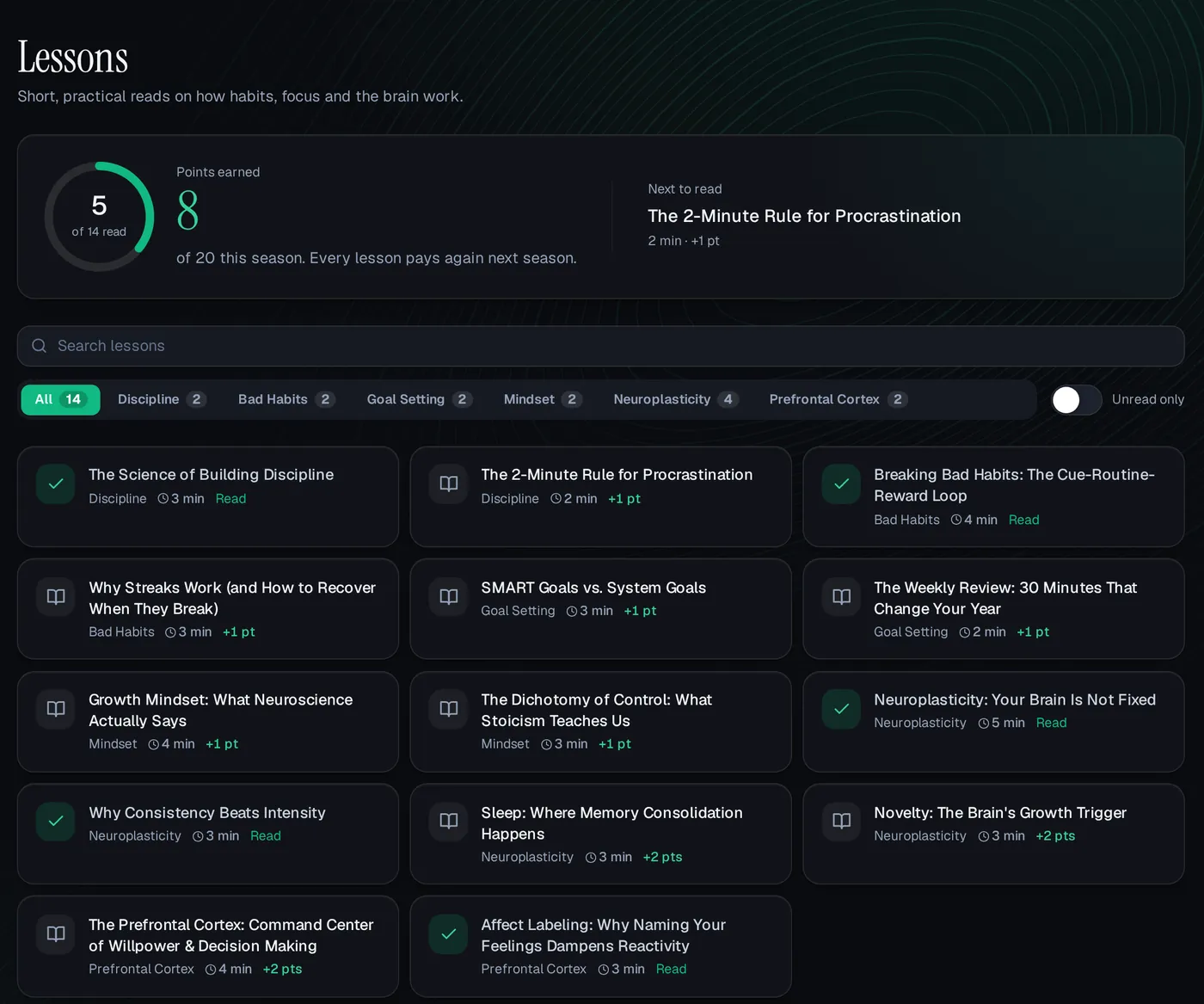
Each lesson is a 2–5-minute read in plain language, in 6 groups. Search them, filter by group or show only the ones you have not read. Press Mark as read at the end to earn its points; every lesson pays again in the next season.

  • Discipline

    The Science of Building Discipline · The 2-Minute Rule for Procrastination

  • Bad Habits

    Breaking Bad Habits: The Cue-Routine-Reward Loop · Why Streaks Work (and How to Recover When They Break)

  • Goal Setting

    SMART Goals vs. System Goals · The Weekly Review: 30 Minutes That Change Your Year

  • Mindset

    Growth Mindset: What Neuroscience Actually Says · The Dichotomy of Control: What Stoicism Teaches Us

  • Neuroplasticity

    Neuroplasticity: Your Brain Is Not Fixed · Why Consistency Beats Intensity · Sleep: Where Memory Consolidation Happens · Novelty: The Brain's Growth Trigger

  • Prefrontal Cortex

    The Prefrontal Cortex: Command Center of Willpower & Decision Making · Affect Labeling: Why Naming Your Feelings Dampens Reactivity

General education, not medical advice. The lessons and the Neuro guide explain ideas; they are not treatment, therapy or a diagnosis. If you are worried about your focus, mood or memory, talk to a doctor or another qualified professional.
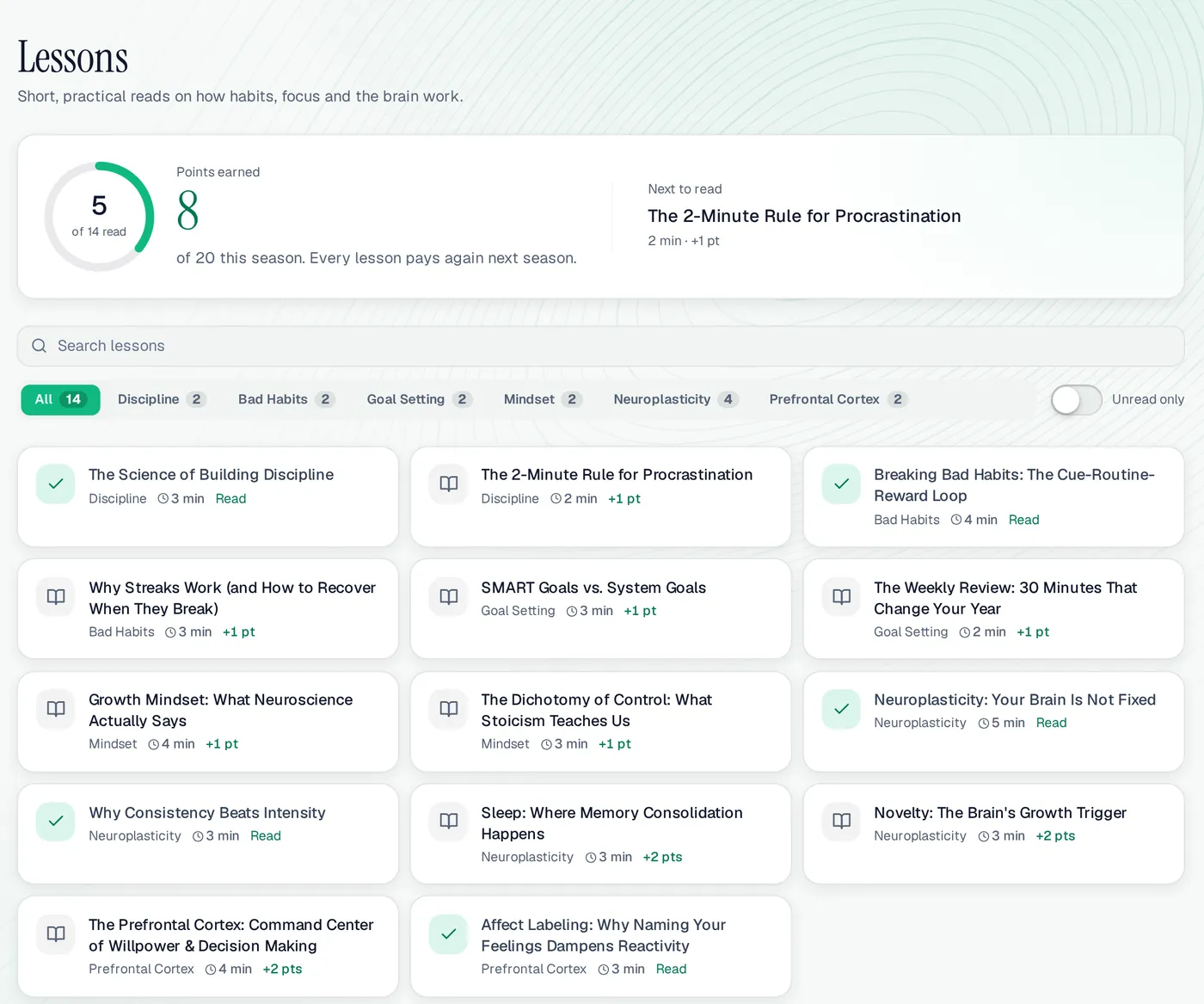
The Lessons page on a computer: 5 of 14 lessons read and 8 of 20 points this season, The 2-Minute Rule for Procrastination next to read, and every lesson card with its group, read time and pointsThe Lessons page on a computer: 5 of 14 lessons read and 8 of 20 points this season, The 2-Minute Rule for Procrastination next to read, and every lesson card with its group, read time and points
The Lessons page on a computer, with the demo user Ali’s season.

Focus, Neuro & Lessons at a glance

Focus points
25 min = 2, 50 min = 5, 90 min = 10
Focus limit
10 points a day
Lessons
14, 8 × 1 point + 6 × 2 points
Lesson points
20 a season, once per lesson
Decisions, emotions
No points
Neuro guide
Free to read, no points
Price
Free while in beta
Works on
Any browser, phone or computer

A good fit if

  • You study or work in long blocks and want a timer that rewards finishing them.
  • You like knowing why a habit works before you commit to it.
  • You want short reads you can finish between classes.

Maybe not if

  • You want clinically tested brain training or help with a medical condition such as ADHD.
  • You want long courses; each lesson takes a few minutes.

Focus, Neuro & Lessons: questions people ask

Is the focus timer a Pomodoro timer?

It can be. The 25-minute preset with a 5-minute break works like one, and the longer presets suit deeper work. Longer sessions earn more points, up to 10 points a day.

What if I stop a session early?

A session counts only when its timer runs out. If you discard it, nothing is saved and nothing is earned.

Can I earn lesson points more than once?

Once per lesson per season. When a new season starts, every lesson can be read for points again.

Will this rewire my brain?

Ascend makes no such promise. The pages explain general ideas and give you tools to practise focus and reflection; they are not brain training with a measured result and not medical advice.

Who can see my decisions and emotions?

Only you. They are not in the stats partners or other members see. Focus and lesson points add to your season total, which league tables show as a number.

Start your first focus session

25 minutes is enough to earn 2 points.