Get started

Plans · Ascend

Self-improvement plans you can build, share and copy

Plans in Ascend is a free self-improvement plan builder: write down where you want to get to, choose how you will track it, and tick it forward. A plan can be a list of milestones, one number to reach, a daily or weekly habit journey, or a long-term vision you check in on.

Plans earn no points, the same as Projects & Goals. This is where you think about direction; the points come from the habits, workouts, reading and practice that carry the plan out.
Free · In beta · Phone and PC · No download needed

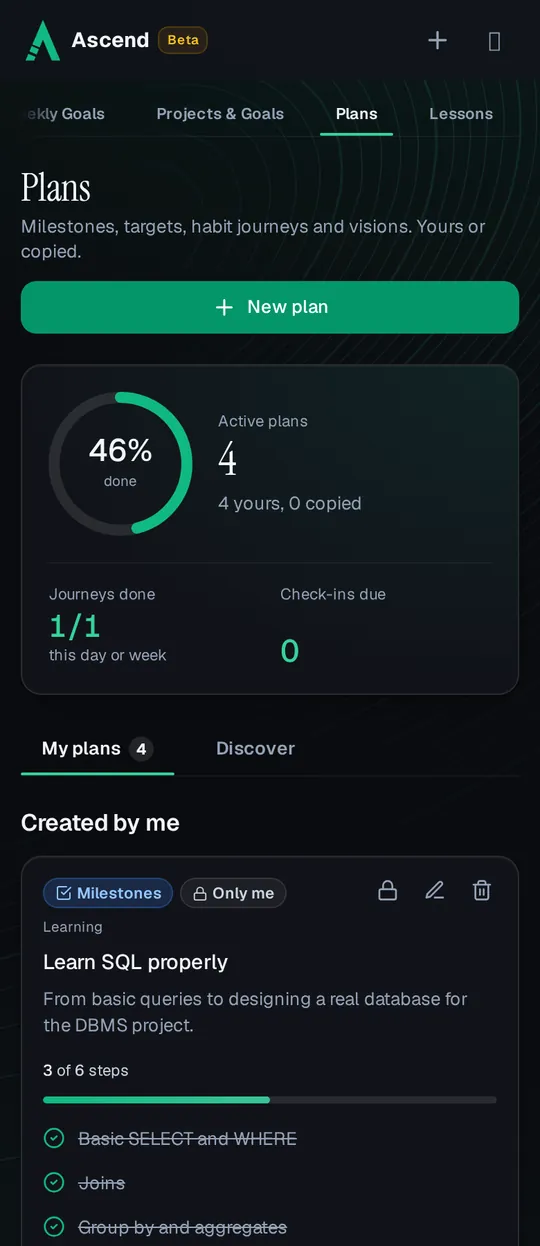
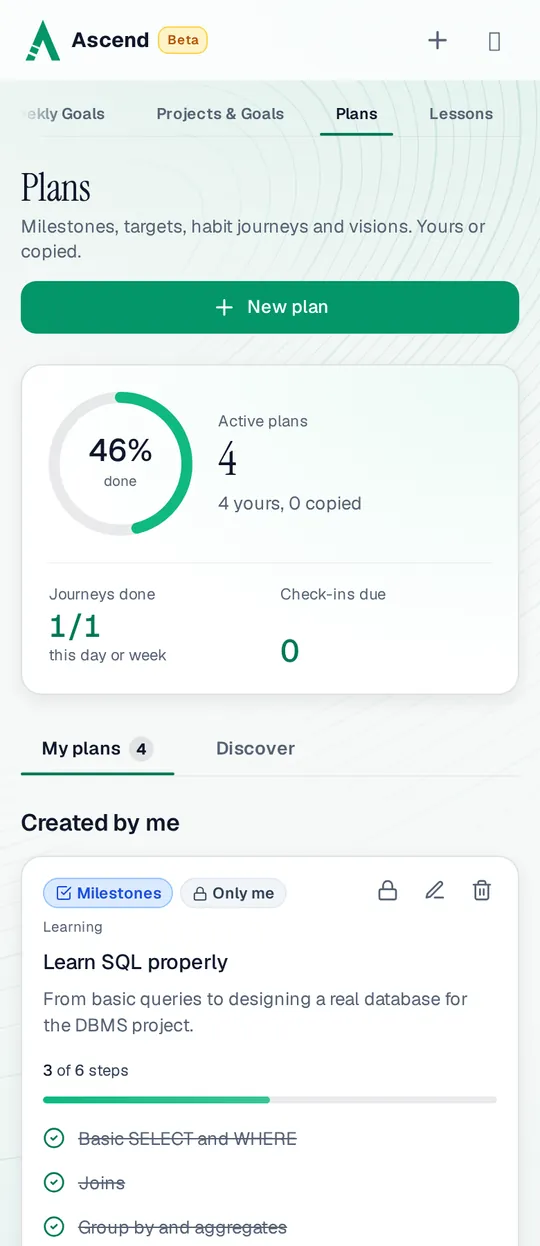
Plans on a phone: 4 active plans, 46% done on average, 1 of 1 habit journey done today, and a milestone plan, Learn SQL properly, at 3 of 6 stepsPlans on a phone: 4 active plans, 46% done on average, 1 of 1 habit journey done today, and a milestone plan, Learn SQL properly, at 3 of 6 steps

Four kinds of plan

Pick the kind that matches the goal. The form then asks only for what that kind needs.

  • Milestones

    A list of steps you tick off in order, like the chapters of a course or the stages of a project. Progress is the share of steps done.

  • Target

    One number to reach, like 12 books or 100 km, with an optional target date. Update the progress as you go and the bar fills.

  • Habit journey

    Do one thing every day or every week for a set length, such as 30 days or 12 weeks. Mark each day done, keep the streak, and undo a tap by mistake.

  • Vision

    A long-term direction with a review date and check-in notes every week or month: how is it going, and what will you change?

Making a plan

  1. Start blank or from a template

    There are 8 starter templates, such as Get Fit Fundamentals, Ship a Side Project, 90-Day Reading Challenge and Emergency Fund. Each fills in the form, and you change anything you like.

  2. Say what it is for

    Give it a title, the result you want and why it matters, and a category: Personal Growth, Career, Health, Finance, Relationships and Learning.

  3. Track it

    Tick steps, update the number, mark today’s journey done or write a check-in. The top of the page shows active plans, the average progress and check-ins due.

  4. Keep it private, or share it

    A new plan is only yours. Share it in Discover when you want others to be able to copy it, and make it private again at any time.

Discover: copy a plan that already works

Discover lists the plans other members chose to share. Search them, filter by type or category, and sort by newest, most copied or top creators (by the creator’s season points). Each plan shows how many times it was copied.

Copy one and it becomes yours: a separate copy you can edit and track at your own pace. Your progress and changes never touch the original or anyone else’s copy. Copies show where they came from, as “Copied from @username”.

What sharing shows. A public plan shows its contents with your username and avatar, as the Privacy Policy says. If you delete your account, copies others already made stay, without your name.

Plans and points

Plans earn no points. A plan with fifty tiny steps would be easy to tick off in an evening, so the points live in the work the plan points you to, where the daily caps keep them fair.

What a plan earns
What happensPoints
Creating a plan0
Ticking a milestone step or updating a target0
Marking a habit journey doneIt keeps the plan’s own streak.0
Writing a vision check-in0
Someone copying your public planIt raises the plan’s copy count.0
Where the points are. Turn the plan into things Ascend scores: a daily habit for a habit journey, weekly goals for this week’s share of a milestone, or the Reading Hub for a books target. Those earn points, and the plan shows the bigger picture.

Plans or Projects & Goals?

Both are for big goals. Projects & Goals breaks one goal into projects and dated tasks, like a to-do list with structure. Plans is lighter: a single card per goal in one of four shapes, built to be shared and copied. Use Plans for direction and routines, and Projects & Goals when the work has many tasks and deadlines.

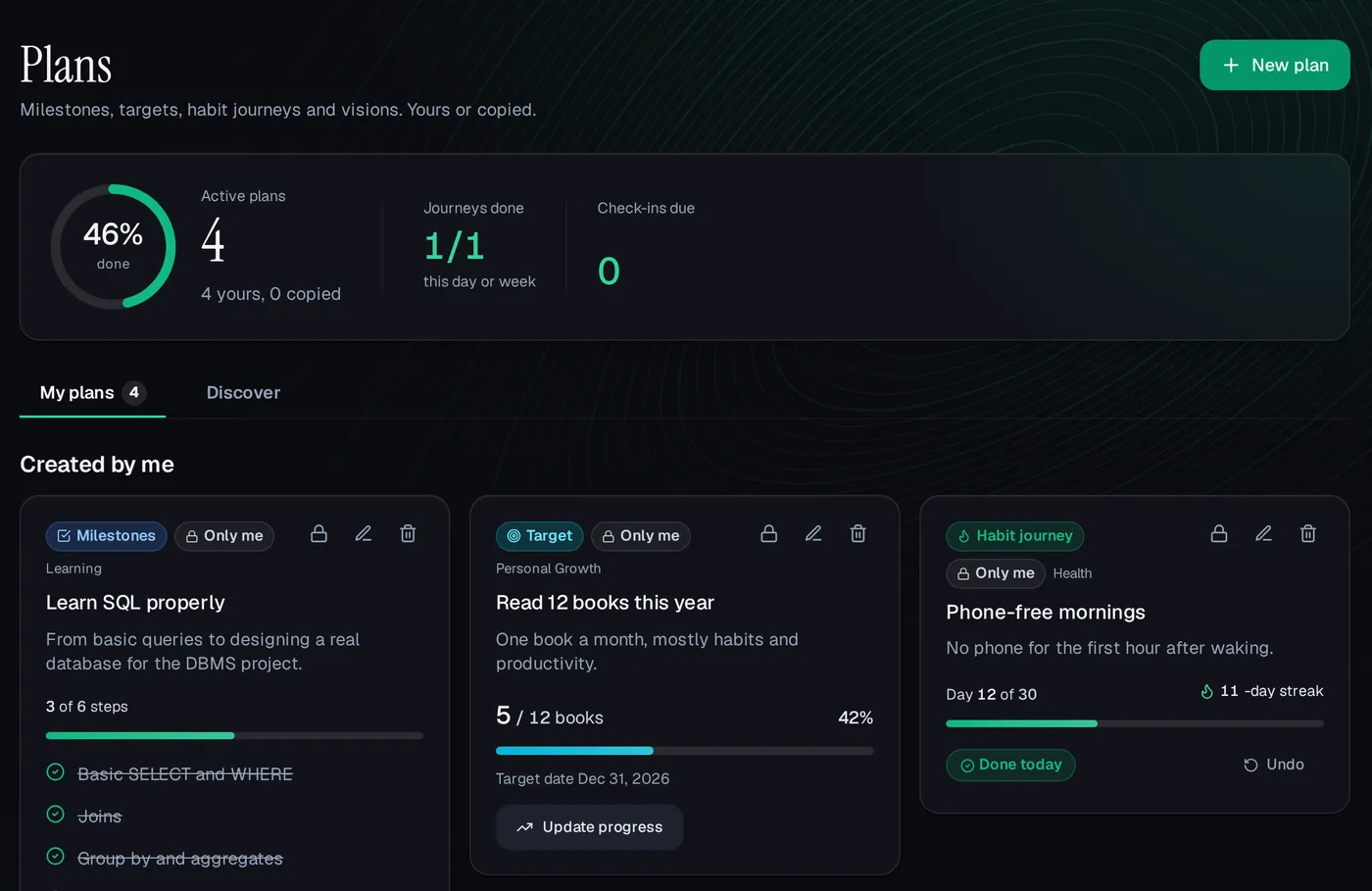
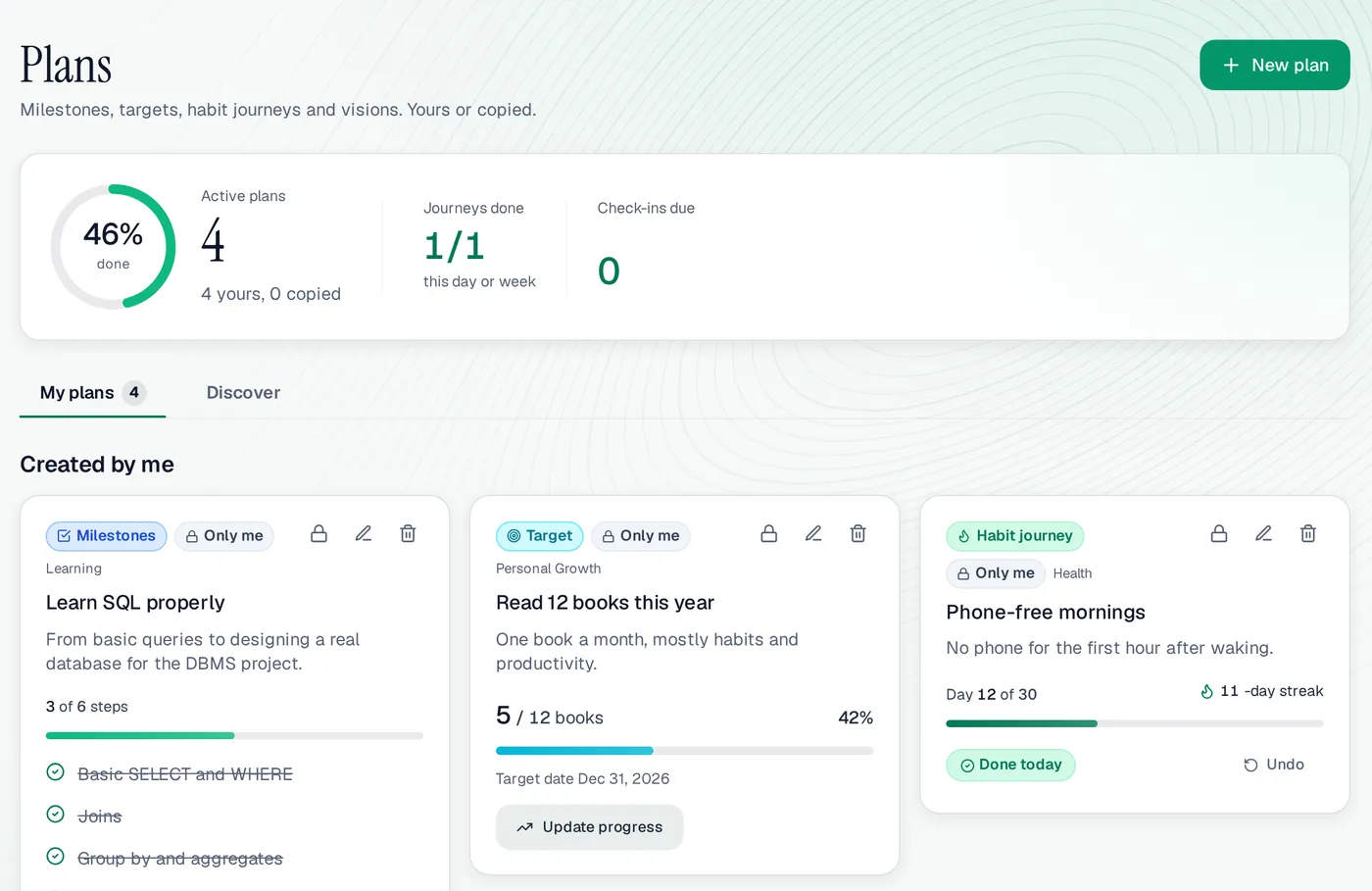
Plans on a computer: a Learn SQL milestone plan with 3 of 6 steps ticked, a Read 12 books target at 5 of 12, and a Phone-free mornings habit journey on day 12 of 30 with an 11-day streakPlans on a computer: a Learn SQL milestone plan with 3 of 6 steps ticked, a Read 12 books target at 5 of 12, and a Phone-free mornings habit journey on day 12 of 30 with an 11-day streak
Plans on a computer, with the demo user Ali’s plans.

Plans at a glance

Plan kinds
Milestones, target, habit journey, vision
Templates
8 starter plans
Categories
6, from Personal Growth to Learning
Sharing
Private by default; share in Discover
Copies
Yours to edit; the original is untouched
Points
None; plans guide the work that earns them
Price
Free while in beta
Works on
Any browser, phone or computer

A good fit if

  • You want a clear plan for a goal without a project-management tool.
  • You like starting from a plan someone else already tested.
  • You want a vision you revisit every week or month.

Maybe not if

  • You want points for planning; Plans earns none.
  • You need tasks with due dates and sub-tasks; Projects & Goals does that.

Plans: questions people ask

Do plans earn points?

No. Plans are for direction. Points come from the habits, workouts, reading, skills and goals that carry a plan out.

Can other people see my plans?

Only if you share them in Discover. A shared plan shows your username and avatar. You can make it private again whenever you want.

What happens when I copy someone’s plan?

You get your own copy to edit and track. The original and other people’s copies don’t change, and your progress stays yours.

What is a habit journey?

A plan to do one thing every day or every week for a set length, like 30 days. You mark each day or week done and it keeps a streak.

Is it free?

Yes. Ascend is free while in beta, including making, sharing and copying plans.

Write your first plan

Start from a template or a blank card, and keep it private until it’s ready.