Get started

Projects & Goals · Ascend

A goal planner that links today’s tasks to your biggest goals

Projects & Goals is Ascend’s free goal planner. You write down a big goal, break it into projects with a clear finish line, and break those into tasks small enough to do today. When you finish tasks, their project fills up, and when you finish projects, their goal fills up.

It is the one part of Ascend that earns no points. It is for planning, and the work you plan here earns its points where you do it: in your workouts, reading, focus sessions and weekly goals.
Free · In beta · Phone and PC · No download needed

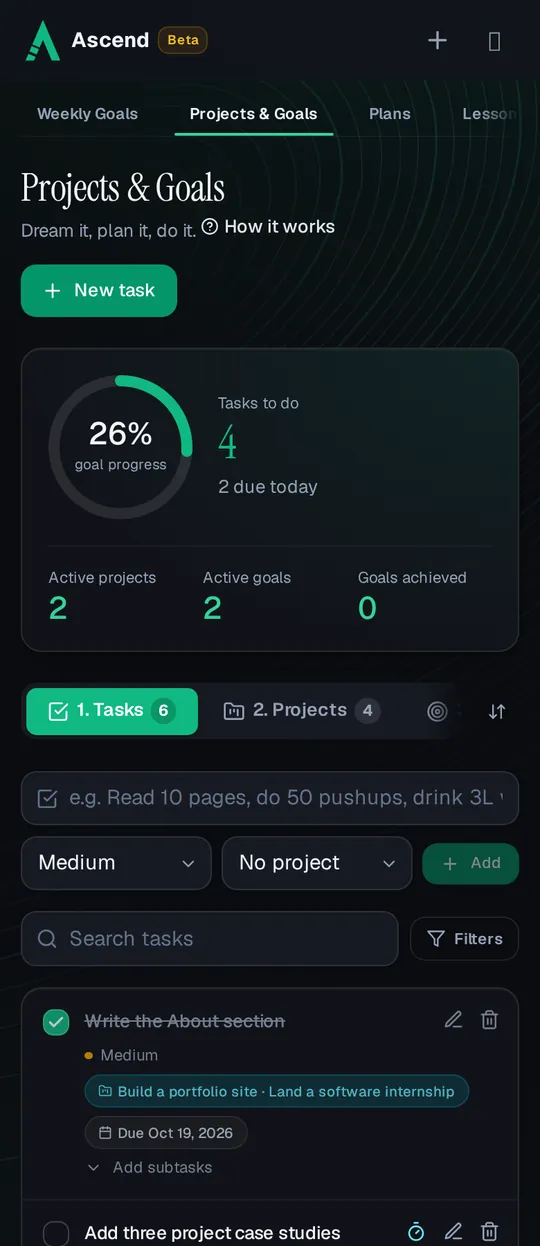
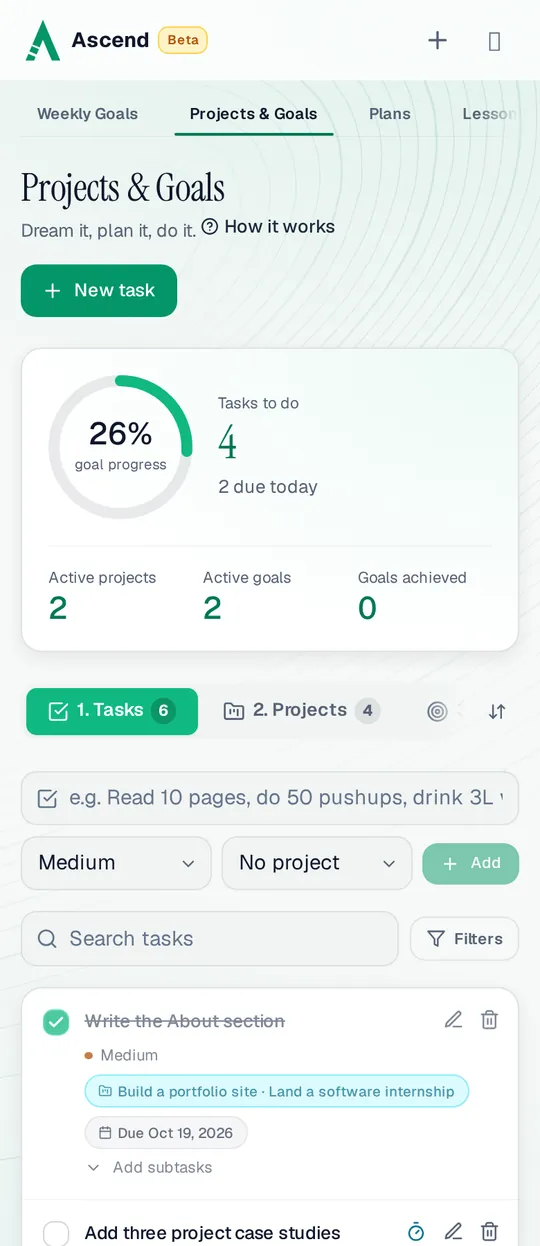
Projects & Goals on a phone: 26% goal progress, 4 tasks to do with 2 due today, and tasks linked to a portfolio projectProjects & Goals on a phone: 26% goal progress, 4 tasks to do with 2 due today, and tasks linked to a portfolio project

Goal, project, task

Three levels, each on its own tab, each with a different time scale.

  • Goal: the long term

    What you want your life to look like, with an optional category and target date. For example: get fit, speak a new language, land an internship.

  • Project: weeks or months

    One phase of a goal with a clear finish line, with start and due dates and a status: not started, in progress, on hold or completed.

  • Task: today

    The next small step, with a due date, a priority and optional subtasks. For example: run 3 km, list five products, move $50 to savings.

Turning a goal into today’s tasks

  1. Write the goal

    On the Goals tab, add what you are aiming for and, if you like, a target date and category.

  2. Add its projects

    From the goal, add the projects it needs. Turn on “projects in order” if one has to finish before the next starts.

  3. Add tasks to a project

    Use the quick add box at the top of Tasks, or a full task with due date, priority and subtasks. Tasks without a project are fine too.

  4. Work the list

    Filter by Due today, Overdue, Next 7 days, To do or Done, search, or filter by priority and project. Tick tasks as you go.

Progress that adds up on its own

You never type a percentage for something that has parts. Ascend works it out from the bottom up and changes the status for you.

  • Tasks fill projects

    A project’s progress is the average of its tasks. A task with subtasks counts the share of subtasks done, so half a task shows as half.

  • Projects fill goals

    A goal’s progress is the average of its projects, and a completed project counts as 100%.

  • Status follows the work

    A project completes itself when all its tasks are done, and a goal is achieved when all its projects are. Untick something and they reopen.

  • Manual when it has no parts

    A project with no tasks, or a goal with no projects, has a progress you update by hand. A goal you abandon stays abandoned.

Projects in order. With it on, a goal’s projects unlock one at a time, so you finish market research before building, and building before launch. Tasks in a project that hasn’t unlocked yet wait under Locked.

Points: none here, on purpose

Ticking a task or finishing a project earns no points, and nothing here can cost points. A to-do list that paid per tick would reward splitting work into tiny pieces, which is the opposite of planning.

Points come from doing the work where Ascend can measure it. The timer button on a task’s row opens the focus timer with that task, and the session earns focus points (up to 10 points for a 90-minute session). Put this week’s part of a project into Weekly Goals and reaching it earns 5 points. Runs, pages and practice earn in Exercise, Reading and Skills.

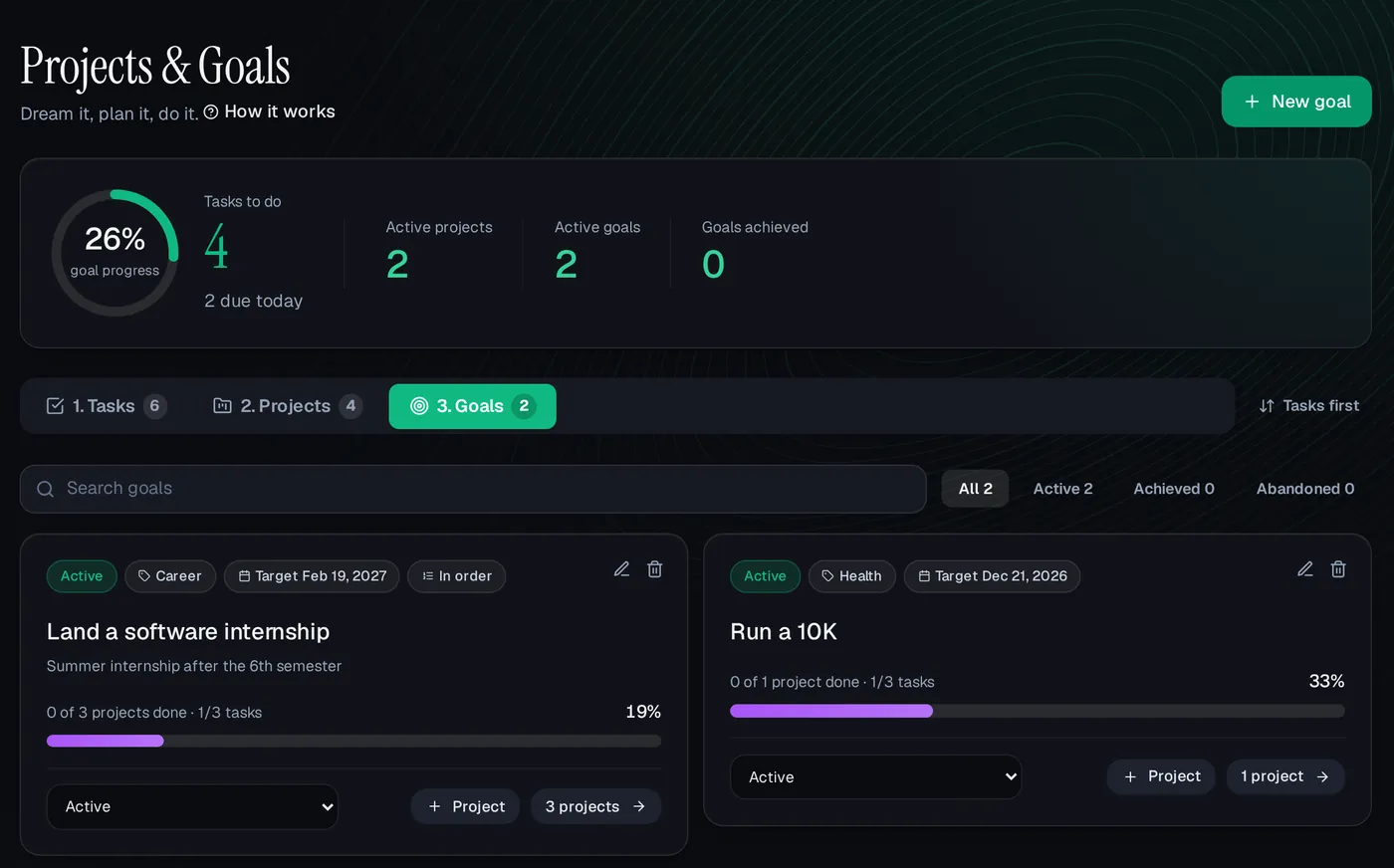
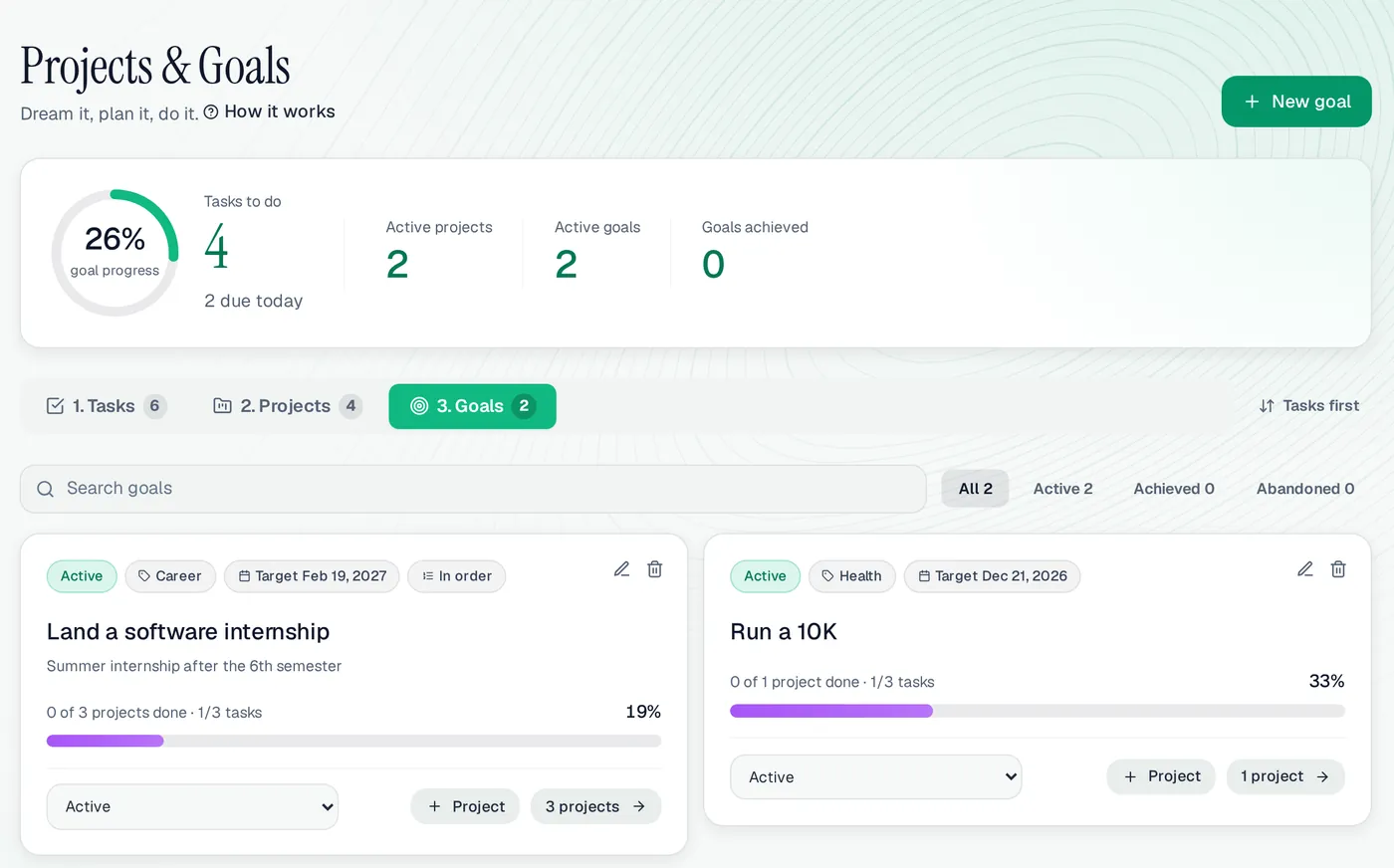
The Goals tab of Projects & Goals on a computer: “Land a software internship” with projects in order at 19%, and “Run a 10K” at 33%The Goals tab of Projects & Goals on a computer: “Land a software internship” with projects in order at 19%, and “Run a 10K” at 33%
The Goals tab on a computer, with the demo user Ali’s goals.

Projects & Goals at a glance

Levels
Goals, projects, tasks and subtasks
Progress
Worked out from tasks and projects
Status
Changes itself as work is done
Projects in order
Optional, per goal
Task views
All, To do, Due today, Overdue, Next 7 days, Done, Locked
Points
None (planning only)
Price
Free while in beta
Works on
Any browser, phone or computer

A good fit if

  • You have a big goal and keep losing the thread between it and today.
  • You want progress worked out for you, not typed in.
  • You already use Ascend and want your plans next to your habits.

Maybe not if

  • You want points for every finished task.
  • You need team projects, shared boards or time estimates; this is for one person.

Projects & Goals: questions people ask

Do tasks or projects earn points?

No. Projects & Goals is for planning and earns no points, and it can’t cost any. The work earns elsewhere, for example a focus session started from a task, or a weekly goal worth 5 points.

What is the difference from Weekly Goals?

Weekly Goals is a short list for this week that earns points. Projects & Goals holds the bigger picture for months, with projects, tasks and due dates.

How is a goal’s progress worked out?

From its projects: the average of their progress, with a completed project counted as 100%. Each project’s progress comes from its tasks and their subtasks.

Can I make a task without a project?

Yes. Tasks can stand alone, and you can link them to a project later.

Can I see what is overdue?

Yes. The top of the page counts overdue tasks and tasks due today, and the Overdue and Due today views list them.

Write down the big goal

Then add one project and one task you can do today.