Get started

Time Tracker · Ascend

Time blocking that rewards you for following your plan

Ascend’s Time Tracker is a free time blocking app for the web: split your day into blocks, tick each one off as you finish it, and earn up to 5 points a day for following your own plan. Build a day once as a template and it fills your weekdays on its own.

Most planners only show the plan. This one also shows what really happened, because each block ends up done, skipped or missed, and the day’s score says how close you came.
Free · In beta · Phone and PC · No download needed

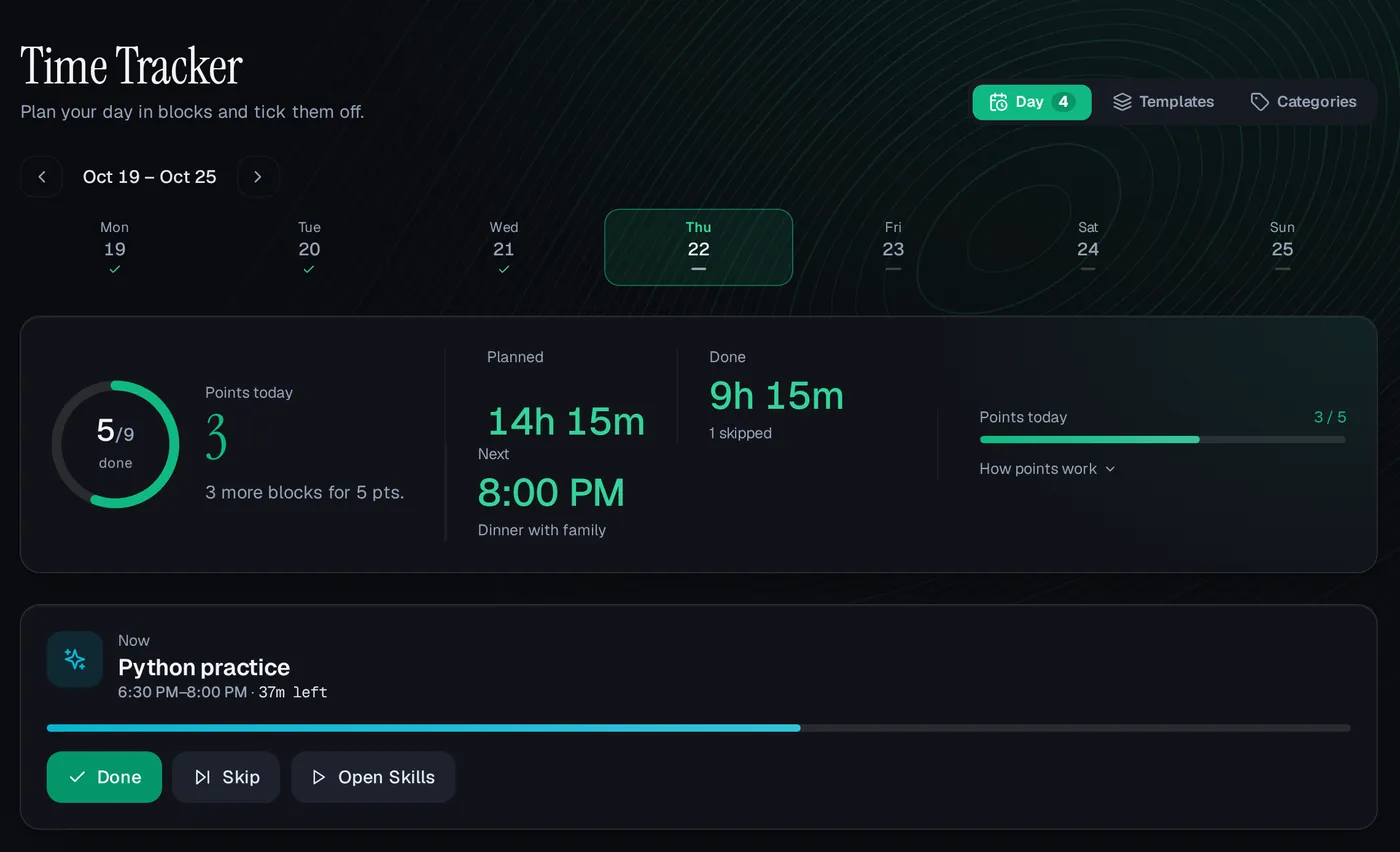
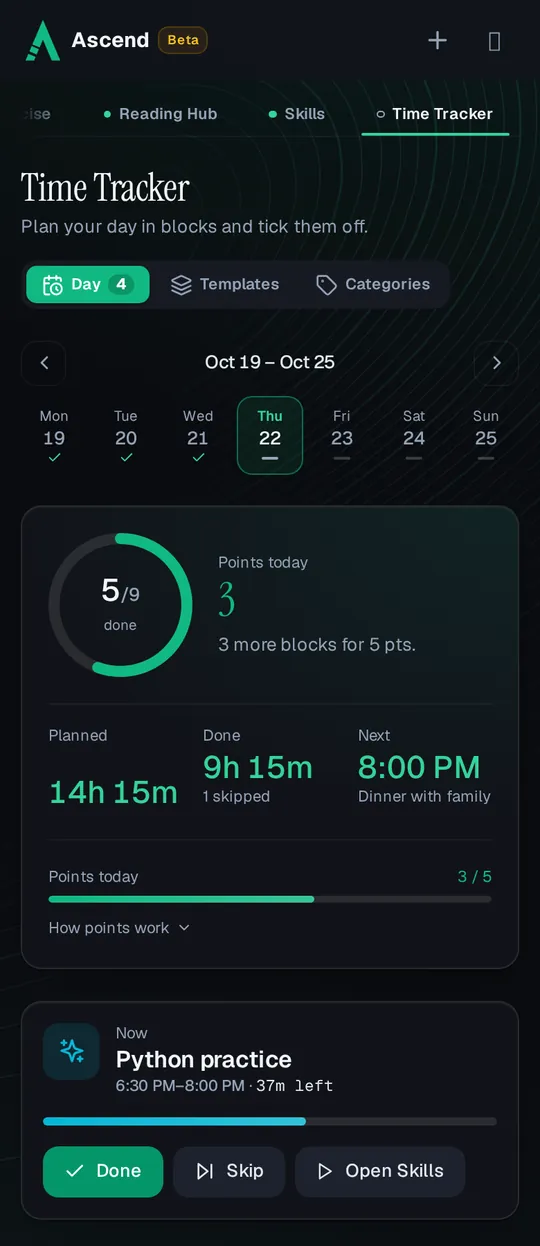
The Time Tracker on a phone: a day with 5 of 9 blocks done, 3 of 5 points today, and the current block, Python practice, with Done, Skip and Open Skills buttonsThe Time Tracker on a phone: a day with 5 of 9 blocks done, 3 of 5 points today, and the current block, Python practice, with Done, Skip and Open Skills buttons

Planning a day in blocks

  1. Add blocks to the day

    Give each block a start, an end and a category, plus an optional title and notes. Blocks can’t overlap, and one that runs past midnight is split into two parts, one on each day.

  2. Or apply a template

    Pick a saved day and add it to today or a later day. Merge keeps what is already planned and leaves out blocks that would overlap; Replace swaps the whole day.

  3. Follow the Now card

    The block you are in shows at the top with the time left in it, what comes next, and buttons to mark it done or skip it.

  4. Tick blocks off

    Mark each block done when it is finished. Until 02:00 the next morning you can still tick the last block of the day before, so a late night doesn’t cost you.

Past days are a record. Today and later days can be changed. Earlier days can’t, so the week strip at the top shows the days you really followed your plan, with a check on each day that reached the top score.

Templates: build a day once

A template is a day you can reuse, such as a class day, a work day or a weekend. Choose the weekdays it fills, and every empty day on those weekdays starts with its blocks. Each weekday belongs to one template, and days you already planned stay as they are.

If you don’t know where to start, add “Ascend recommended day”: 17 blocks with sleep, a workout, three deep-work sessions with short breaks, skill practice, meals, reading and a wind-down, with free time left on purpose. Edit it into your own.

  • 8 hours: hard work

    Deep focus and your career. The guide on the Templates tab starts here.

  • 8 hours: life

    Family, friends, faith, health, hobbies and the things that make a day good.

  • 8 hours: sleep

    Rest for your mind and body, planned as a block like everything else.

Categories that open the right page

Every block has a category with its own colour and icon. Ascend starts you with 10: Sleep, Deep Work, Praying, Exercise, Reading, Skills, Break, Meals, Entertainment and Walking. Add your own, like Classes or Family, and give a block a second category when it is two things at once.

Linked to the rest of Ascend. Deep Work, Exercise, Reading, Skills and Walking come linked to their pages: their blocks get a button that opens the focus timer, the workout log, the Reading Hub or Skills. You can link your own categories the same way. Ticking a block doesn’t log the workout or the pages for you; those earn their own points on their own pages.

How time blocks earn points

Points come from the share of today’s blocks you finished, worked out again each time you tick one. The day is scored once, up to 5 points, however many blocks it has.

Points for the day
What happensPoints
80% of blocks done or more+5
50% to 79% done+3
Under 50% done0
A block left openA block you neither tick nor skip counts as not done.Not done
Skipped blocksUp to 30% of the day’s blocks (rounded down, at most 3) are left out of the count. A day of 3 blocks or fewer leaves none out.Left out
An example. A day of 10 blocks: finish 8 and it is 80%, worth 5 points. Finish 7 and skip 2 instead: the 2 skips are left out, so 7 of 8 counts and it is still 5 points. Skipping is for the honest “this didn’t happen today”, not a way around the plan, which is why only a few skips are forgiven.

With an account the server writes the day’s points, so every device shows the same score. A day’s points freeze at 02:00 the next morning. Deleting a done block today works the score out again; earlier days keep theirs.

Where the points go

Time Tracker points count toward your season like every other part of Ascend, so they move your rank and your place in the leagues. A plan you follow is worth up to 5 points a day here, and the blocks themselves are where the workouts, reading and practice happen that earn the rest.

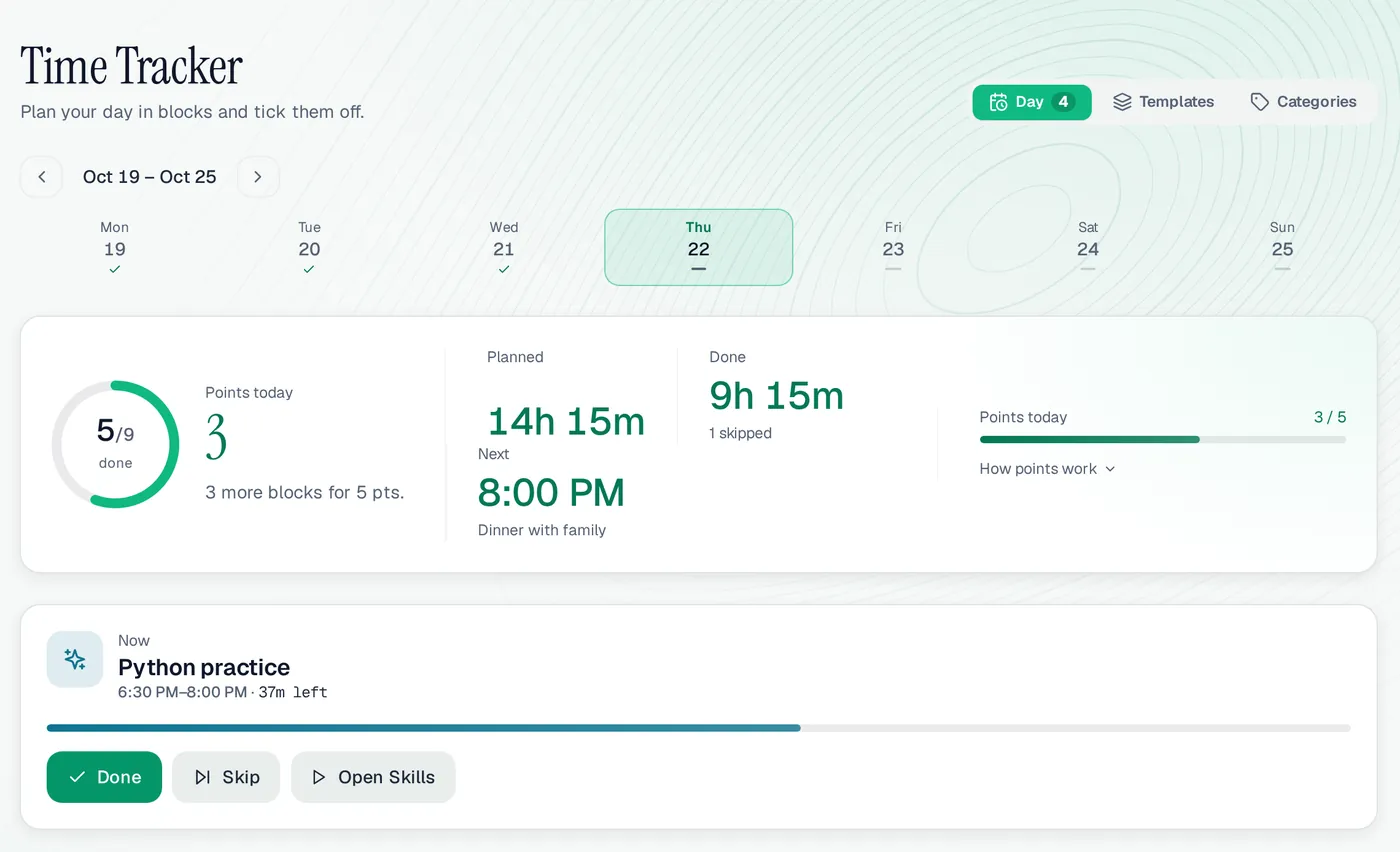
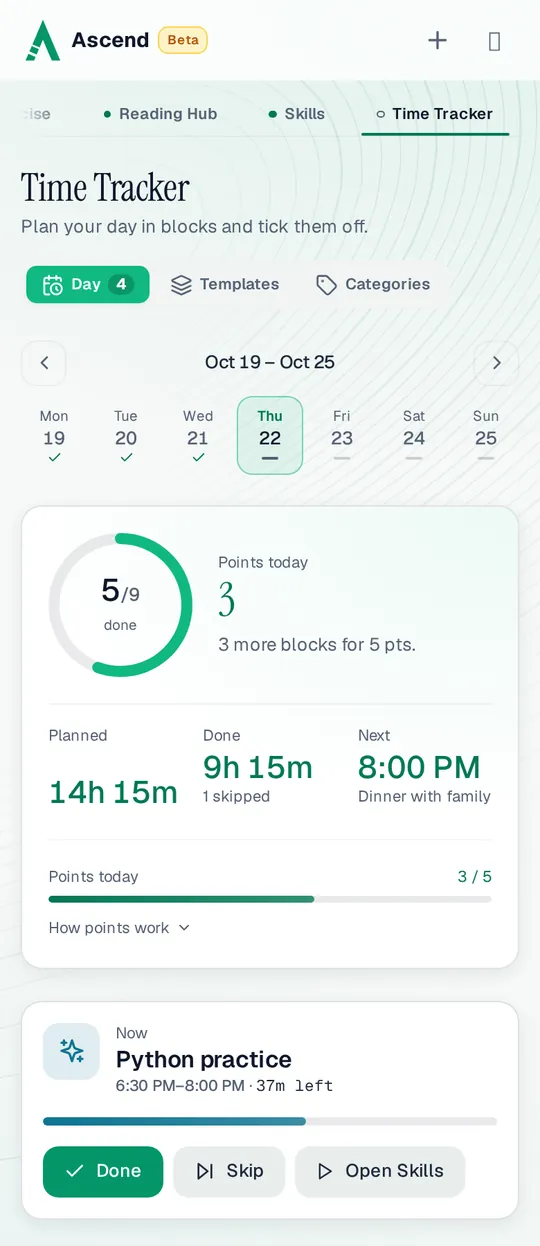
The Time Tracker on a computer: the week strip from Monday to Sunday, 14h 15m planned and 9h 15m done, 3 of 5 points, and the Now card for a Python practice block with under an hour leftThe Time Tracker on a computer: the week strip from Monday to Sunday, 14h 15m planned and 9h 15m done, 3 of 5 points, and the Now card for a Python practice block with under an hour left
The Time Tracker on a computer, with the demo user Ali’s class day.

Time Tracker at a glance

Points
5 at 80% of blocks, 3 at 50%
Daily cap
5 points
Skips forgiven
Up to 30% of blocks, at most 3
Late finish
Yesterday’s last block can be ticked until 02:00
Templates
Reusable days that fill the weekdays you pick
Categories
10 built in, plus your own
Price
Free while in beta
Works on
Any browser, phone or computer

A good fit if

  • You already plan your day and want to see how often you stick to it.
  • Your weekdays look alike, so a template saves you planning every morning.
  • A small daily score helps you take the plan seriously.

Maybe not if

  • You need a calendar for meetings with other people; Ascend doesn’t sync with Google or Outlook calendars.
  • You want to log hours for clients or invoices; this tracks your own plan, not billable time.

Time Tracker: questions people ask

What is time blocking?

Giving every part of the day a job ahead of time: 9 to 11 deep work, 11 to 11:15 a break, and so on. Ascend adds the other half: ticking each block off, so you see what really happened.

Is the Time Tracker free?

Yes. Ascend is free while in beta, and templates, categories and points are all included.

Do I have to plan every day by hand?

No. Make a template, choose its weekdays, and each empty day on those weekdays starts with its blocks. You can still change any day before it starts.

What happens to a block I didn’t do?

Skip it, or leave it open. A skipped block can be left out of the score (up to 30% of the day’s blocks, at most 3); a block left open counts as not done.

Can I plan a block that goes past midnight?

Yes. A block such as 23:00 to 07:00 sleep is saved as two parts, one at the end of the first day and one at the start of the next.

Plan tomorrow in blocks

Start from the recommended day and make it yours in five minutes.